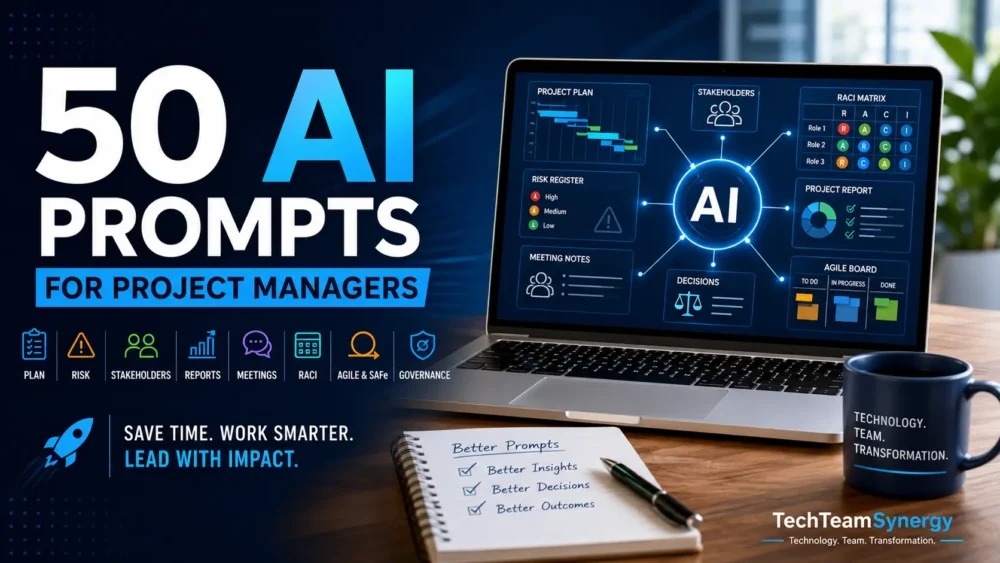
Save time on planning, risk management, stakeholder communication, reporting and Agile delivery with 50 practical AI prompts designed for project managers.
This free TechTeamSynergy guide gives you ready-to-use prompts that you can adapt to your own projects, teams and stakeholders.
Get the Free AI Prompt Pack
Enter your email below to receive the 50 AI Prompts for Project Managers guide and join TechTeamSynergy Weekly.
What’s Inside the Guide?
- Project Planning & Scope: turn objectives into structured plans, deliverables and milestones.
- Risk & Issue Management: identify risks, improve risk statements and explore response options.
- Stakeholder Communication: adapt project information for sponsors, teams and other stakeholders.
- Reporting & Meetings: prepare status reports, agendas, summaries and action lists.
- Agile & Productivity: support sprint planning, retrospectives and day-to-day project work.
Built for Practical Project Management
These prompts are designed to help AI support your work—not replace project management judgment.
Use them to draft, organize, analyze and challenge your thinking. Always validate AI-generated outputs before using them for project decisions, reporting or stakeholder communication.
Who Is This Guide For?
- Project managers
- IT project managers
- PMO professionals
- Program and portfolio professionals
- Agile practitioners
- Technical professionals moving into project management
Start Using AI More Effectively in Your Projects
Get the free prompt pack and start with 50 practical examples you can customize for your own project environment.
How to Use the Prompt Pack
- Choose the project task: planning, risk, reporting, stakeholder communication or Agile delivery.
- Add context: describe the project, audience, constraints, available data and desired outcome.
- Adapt the prompt: replace generic placeholders with real project information and specify the output format you need.
- Review before using: verify assumptions, dates, risks, recommendations and stakeholder-sensitive content before sharing the result.
For a deeper method, see our AI prompting guide, which explains how context, constraints and output instructions improve AI results.
A Simple Prompt Framework for Project Managers
- Role: tell the AI what perspective to use, such as project manager, risk analyst or PMO advisor.
- Context: explain the project, phase, stakeholders and business situation.
- Input: provide the data, notes, risks, milestones or decisions the AI should work with.
- Task: state exactly what you want the AI to do.
- Constraints: define limits such as tone, length, assumptions, deadlines or information that must not be invented.
- Output: specify the format you want, for example a table, executive summary, action list or risk register.
- Human validation: review the output before using it for decisions, commitments or stakeholder communication.
Example use: instead of asking AI to “write a project status,” provide the project context, current milestones, top risks, audience and required format, then ask for a concise sponsor-ready summary with assumptions clearly marked.
Frequently Asked Questions
Can I use these prompts with ChatGPT, Gemini or Claude?
Yes. The prompts are written to be adaptable across major generative AI assistants. You may need to adjust wording, available context or output instructions depending on the tool you use.
Do I need to copy the prompts exactly?
No. The strongest results usually come from adapting each prompt with your real project context, audience, constraints and desired output.
Should AI outputs be used directly in project decisions?
No. Treat AI as a drafting and analysis assistant. Validate facts, assumptions, risks, recommendations and stakeholder-sensitive information before using the output in project governance or communication.
Continue Learning
Explore our practical guides on AI, project management and digital transformation: